

ERA Enrollment: 5 Easy Steps for Therapists
ERA enrollment is the registration that tells a payer to send its electronic remittance advice (ERA) to your practice, your clearinghouse, or your billing service. It is a separate step from sending claims, so claims can go out electronically while remittances still arrive on paper or in a payer portal.
This guide is for psychotherapists, psychiatrists, and the office managers who run their billing. It is operational billing guidance, not legal advice. Forms and steps differ by payer and by state, so confirm each one with the payer. Sources were checked on October 23, 2026.
What is ERA enrollment?
ERA enrollment is how you tell each payer where to deliver its remittance file. A remittance advice (ERA) is the payer’s explanation of payment. It lists each claim, what was paid, and why any amount changed. The electronic version is the 835 file, and it can post straight into a billing system. CMS says all ERAs from Medicare contractors use the X12 835 version 5010 format, the national HIPAA standard for ERAs. These standards come from HIPAA’s Administrative Simplification rules.
ERA enrollment sits next to three other setups you may already have:
| Setup | What it does |
|---|---|
| Credentialing and contracting | Gets you approved and loaded as a provider with the payer |
| Claim submission | Lets you send claims electronically, usually through a clearinghouse |
| ERA enrollment | Sends the payer’s 835 remittance to the place you choose |
| EFT enrollment | Sends the payment itself to your bank account |
ERA enrollment in 5 steps
Each payer sets its own form, but the steps are similar. Here is the order that works for most practices.
- Pick where remittances should go. Choose your clearinghouse, your practice management or EHR system, or your billing service. Availity’s form calls this the receiver and asks whether it is a provider, a clearinghouse, or a vendor.
- Gather your details. You will need your practice legal name, TIN or EIN, NPI, a contact name, phone, and email, plus the name and payer ID of each payer.
- Complete the form. A clearinghouse form can list many payers at once. A payer with its own form needs that form instead. An authorized signer completes the signature field.
- Authorize your billing service. If a billing service will receive your ERAs, the form needs your signed authorization or a copy of your power of attorney.
- Confirm the first ERA. Keep using the payer portal or paper remittance until the first electronic file arrives. Then match one ERA to its payment and EOB before you stop checking the old source.
Clearinghouses that can receive ERAs
A clearinghouse is the vendor that passes claims and remittances between your practice and payers. Common names in behavioral health billing include Availity, Waystar, Office Ally, and Claim.MD. Each has its own enrollment screens and lists the payers it connects to, so check that list before you enroll. These names are listed for reference only, not as an endorsement or partnership.
Private payer rules for ERA enrollment
Commercial plans each set their own ERA enrollment. Availity’s multi-payer ERA enrollment form lets you list many payers on one form. It asks for each payer’s name and payer ID, your TIN or EIN, your NPI, a contact, and whether you want remittances grouped by TIN or NPI. Other payers use their own forms or portals. Use our Insurance Companies Contact directory to find the right payer line, and ask which clearinghouses the payer sends ERAs to.
Medicare rules for ERA enrollment
Medicare sends either an ERA or a Standard Paper Remit once a claim is final. CMS says the standard EDI enrollment form must be completed before you send claims or other EDI transactions, and you submit it to your local Medicare Administrative Contractor (MAC). Your MAC depends on your state; see MAC jurisdictions or CMS’s Who are the MACs page. CMS’s page does not describe ERA steps, so ask your MAC how ERA is set up.
As one example, First Coast Service Options includes an ERA section on its EDI enrollment form and says ERA is required for providers who bill electronically unless an exception or waiver was approved. A provider official must sign that form. Clearinghouse and billing service representatives cannot. Medicare also offers free software, Medicare Easy Print (MREP), that reads ERAs and prints a paper-style remittance for professional providers.
Medicaid and state rules for ERA enrollment
Medicaid is run state by state. Each state Medicaid agency and each managed care plan sets its own ERA enrollment steps, and there is no single national Medicaid form. Start with the state Medicaid provider portal or the plan’s provider manual, then confirm with the plan. For state detail, see our State and Regional Billing Guides and our guide to Medicaid managed care.
What to do after ERA enrollment is active
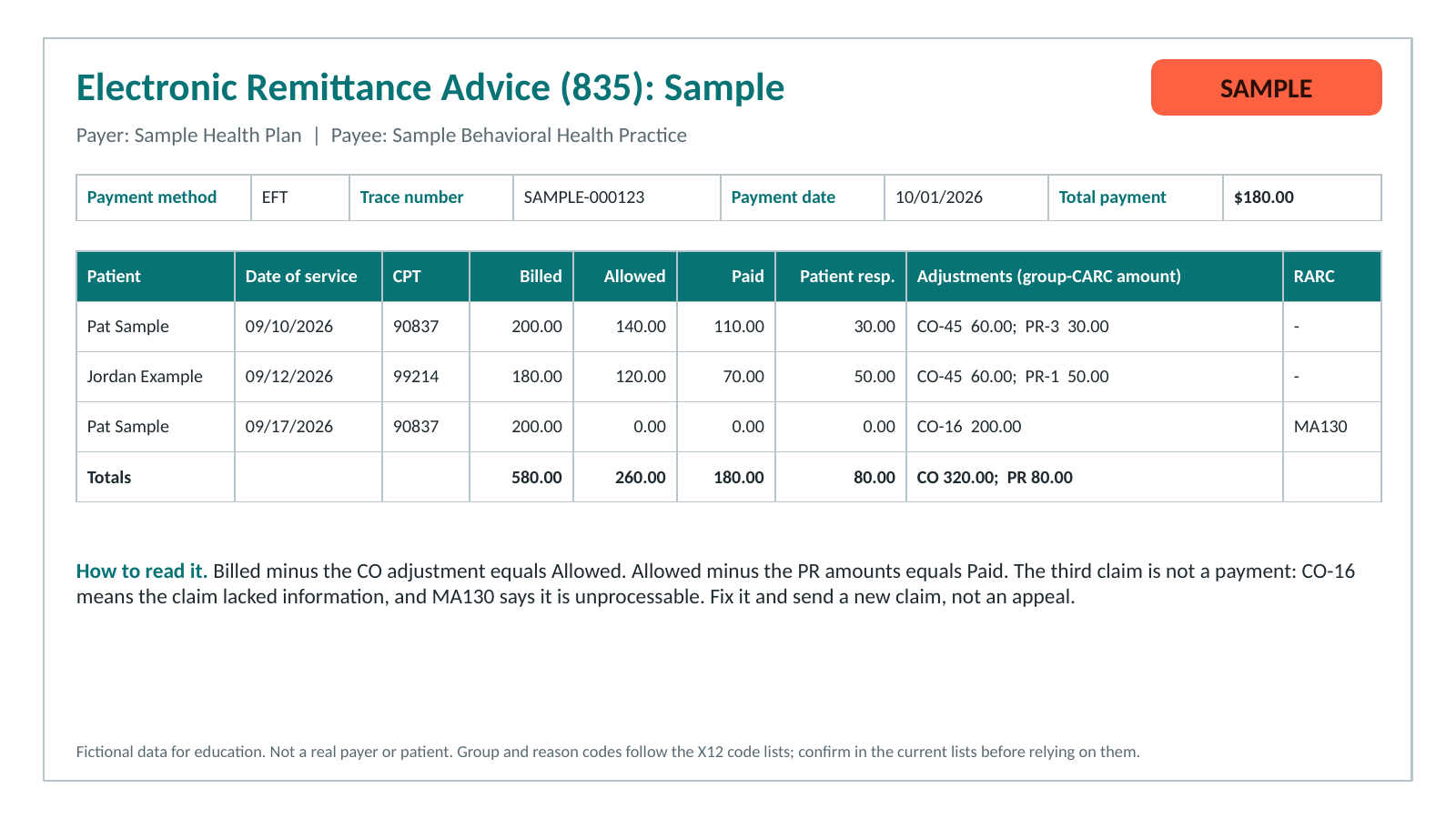
Once ERAs arrive, post each payment from the ERA, read the claim adjustment reason codes on every adjustment, and compare to the EOB when a balance looks wrong. Our ERA and EOB guide walks through a sample line by line. If a billing service handles your posting, see how to read a monthly paysheet report, and for unpaid or denied lines see denied claim follow-up for therapists. Payment posting is the step that turns each remittance into an updated account.
Payments are a separate registration. EFT enrollment sets up the bank deposit. If a payer pays by virtual card instead, read ECHO Health payments explained. CMS notes that the EFT and the ERA each carry a TRN segment so a payment can be matched to its remittance, as described on its ERA and EFT standards page. For more billing guides, browse our Resources hub.
ERA enrollment FAQ
What is ERA enrollment?
ERA enrollment is the registration that tells a payer to send its electronic remittance advice, the X12 835 file, to your practice, clearinghouse, or billing service. It is separate from sending claims.
Is ERA enrollment the same as EFT enrollment?
No. The ERA explains the payment, and the EFT moves the money to your bank account. CMS notes that the EFT and the ERA each carry a TRN segment so a payment can be matched to its remittance.
Do I need ERA enrollment to get paid?
It depends on the payer. Some payers still send paper or portal remittances, and Medicare sends either an ERA or a Standard Paper Remit. But First Coast Service Options, one Medicare contractor, says ERA is required for providers who bill electronically unless an exception or waiver was approved. Ask each payer.
Can my billing service enroll me for ERAs?
Only with your authorization. Availity’s form asks for each provider’s signed authorization or a copy of the power of attorney. First Coast says clearinghouse and billing service representatives cannot sign a provider’s EDI enrollment form, and billing services use a separate third-party form.
How MCM South helps
MCM South Medical Billing Service, LLC works only in mental and behavioral health, with psychotherapists and psychiatrists. ERA enrollment comes after payer credentialing and contracting, and the right order saves rework. See why billing and credentialing work together. See our billing services, or Get a Free Quote to ask how it would work for your practice.
Keep going
Related reading
Where MCM South works
MCM South serves practices in our ten currently served states: Georgia, Massachusetts, Connecticut, Texas, Florida, New York, Colorado, Tennessee, North Carolina, and Illinois. Plan rules vary by payer and by state, so check each plan.